
Your hosting,
in your pocket
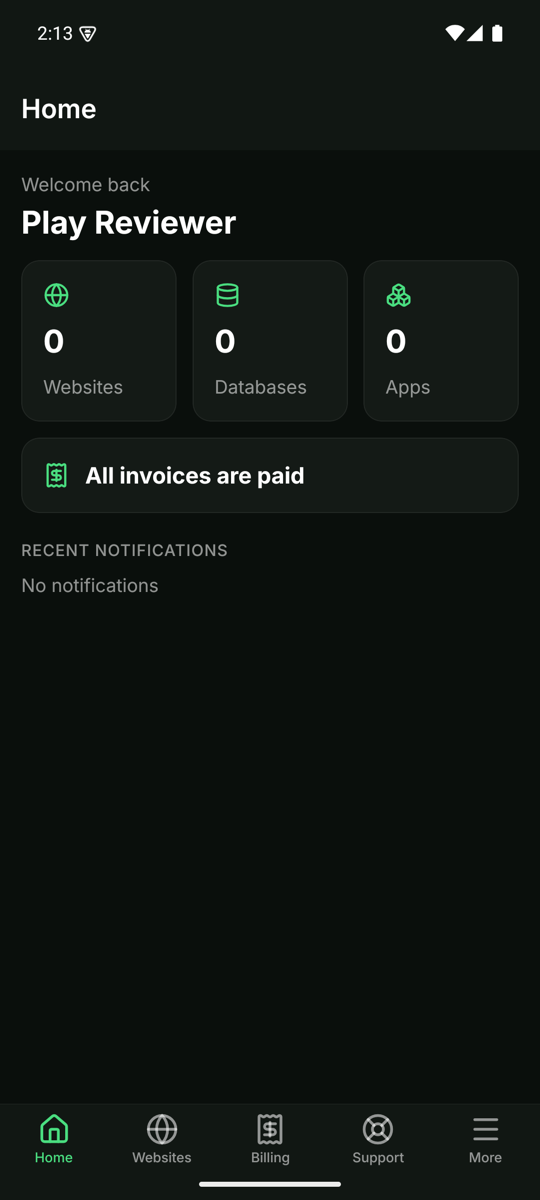
The Hostwares app for Android. Check your websites, fix problems with one tap, see your invoices and talk to support, wherever you are.
iPhone version is coming later.
What you can do in the app
Websites at a glance
Is every site online? See status, CPU, memory and disk use, plus the full deploy history.
Fix things fast
Restart, redeploy, roll back, stop or start a website. Every action asks you to confirm first.
Billing, read-only
See what is due and what is paid. Payments stay on hostwares.com, so the app never handles your card.
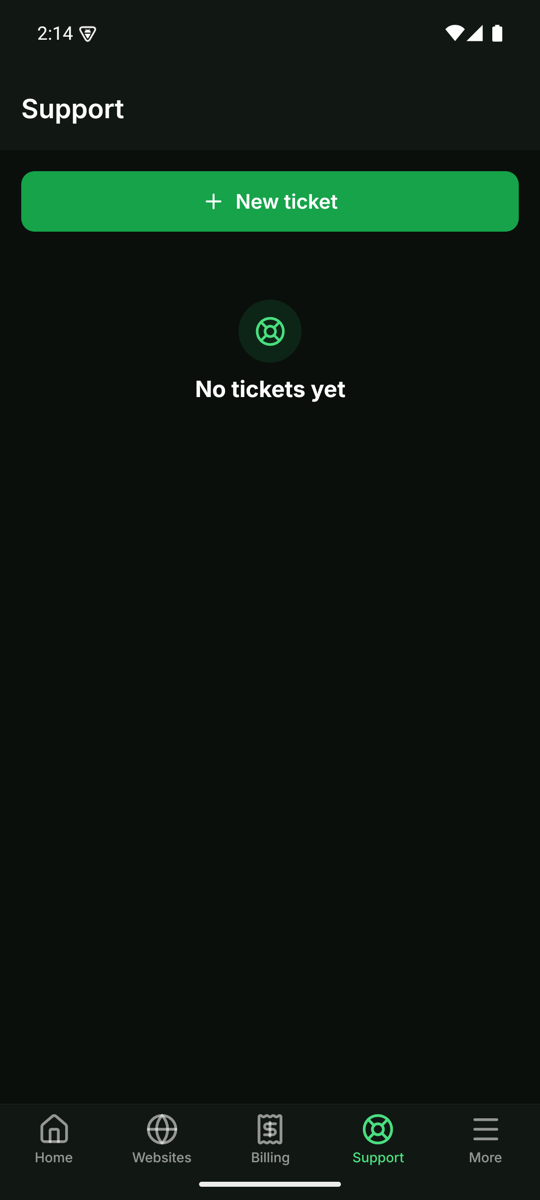
Support in your pocket
Open a ticket, read our replies and answer from your phone.
Everything else too
Notifications, domains and DNS records, databases, Supabase and backups in one place.
English and বাংলা
Switch language any time. The whole app is translated.
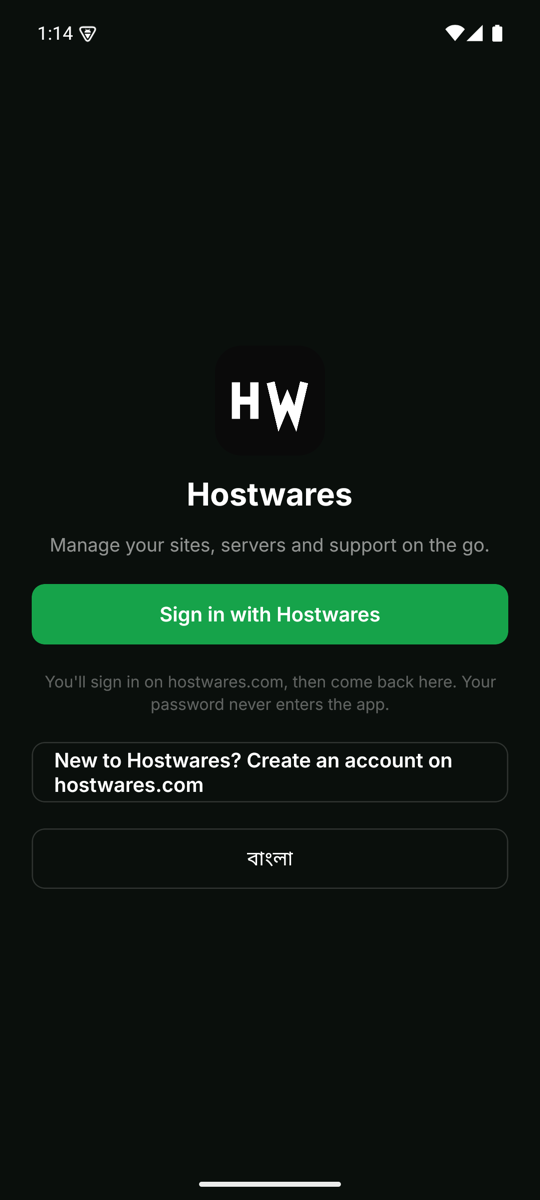
Your password stays on hostwares.com
You sign in on our website in a secure browser tab. The app never sees your password.
Limited by design
The app can't pay, delete data or change billing. Those stay on the website.
No ads, no tracking
No advertising or analytics code in the app. See our privacy policy.
A look inside
Questions
Do I need a Hostwares account?
Yes. The app is for Hostwares customers. Create an account on the website first, then sign in in the app.
Can I order or pay in the app?
Not yet. Orders and payments are on hostwares.com. The app shows your invoices so you always know what is due.
Is there an iPhone app?
It's on the way. Until then, the website works well on any phone.
How do I delete my account?
In the app, open More, then Delete my account. Or see Delete your account.
Get the app
Download it from Google Play and sign in with your Hostwares account.
